

AILOD.
Open your studio.
Images, video and references in one app for your computer, tablet and phone.
Open AILODSign in with your AILOD account. Generation uses models in your own Modal account.
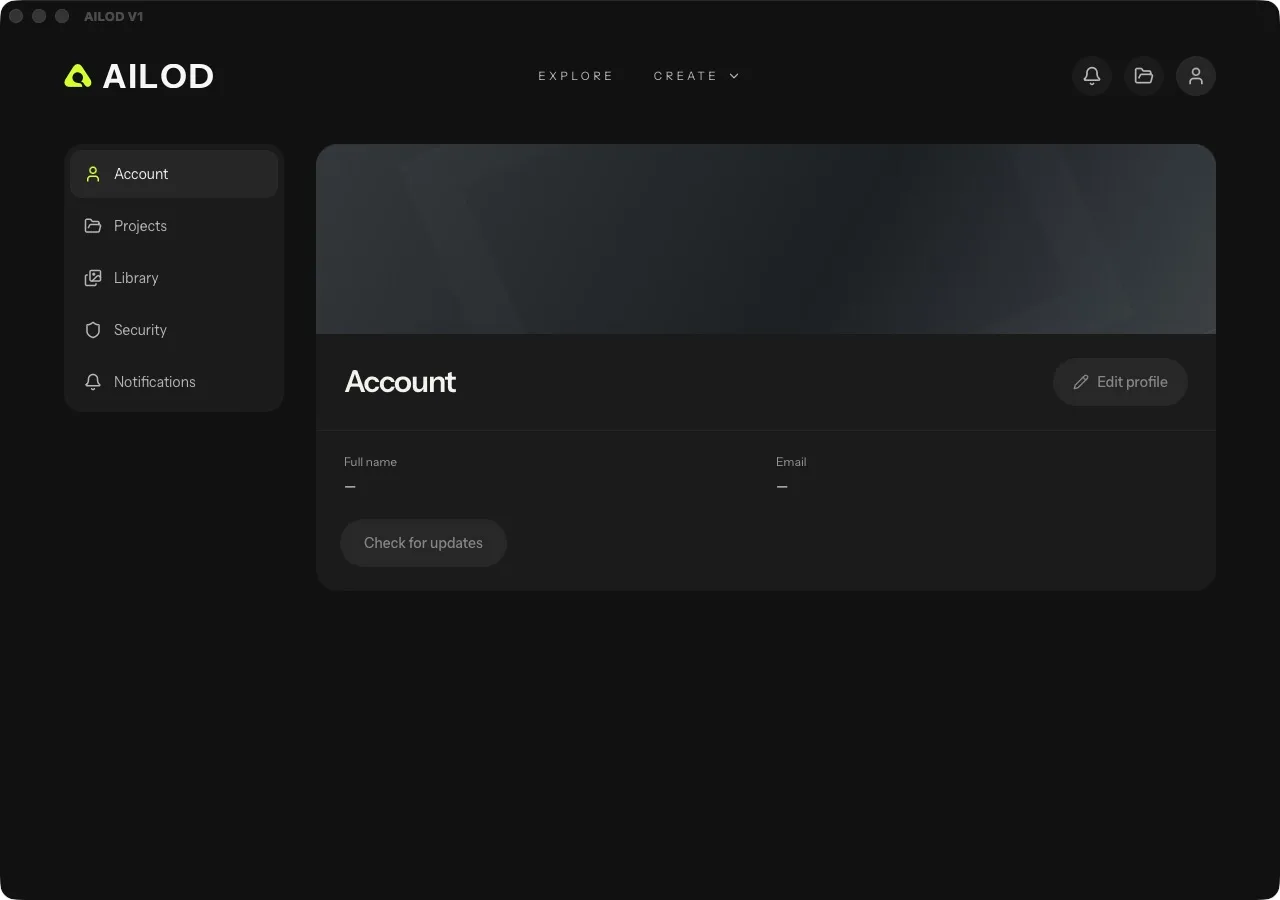
Add the app to your home screen
In Chrome or Edge, open AILOD and choose Install app in the browser menu. In Safari on iPhone or iPad, use Share → Add to Home Screen.
The app updates from the web. Sign-in and generation require an internet connection. Save projects and exports through the app; generation requires a prepared customer Modal deployment and an active license.